
Blog
Welcome! In the fast-paced world of infosec, finding clear and practical guidance can be a challenge. Many experts are brilliant at what they do, but their tutorials often skip steps or assume prior knowledge. That’s where this blog comes in. I’ve built it as an online manual, offering detailed, step-by-step penetration testing guides that take nothing for granted. Whether you’re a beginner or looking for alternative methods, this blog is designed to help you learn, troubleshoot, and grow in infosec.
-
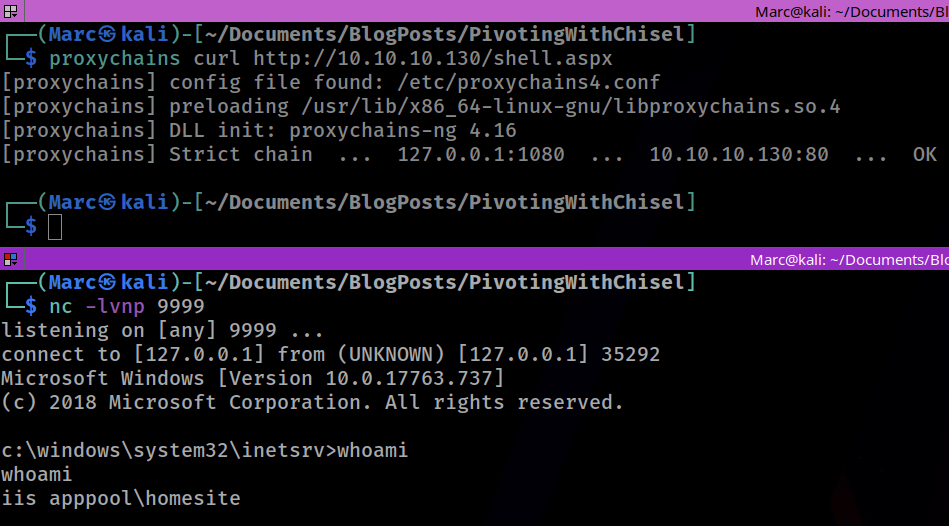
Introduction In this example we are going to demonstrate how we can get a reverse shell on the Marvel DC through our pivot point on the dual-homed Punisher machine using a netcat listener on our Kali machine. Overview of how to get a reverse shell using a chisel pivot Lab Setup & Network Settings Download…
-
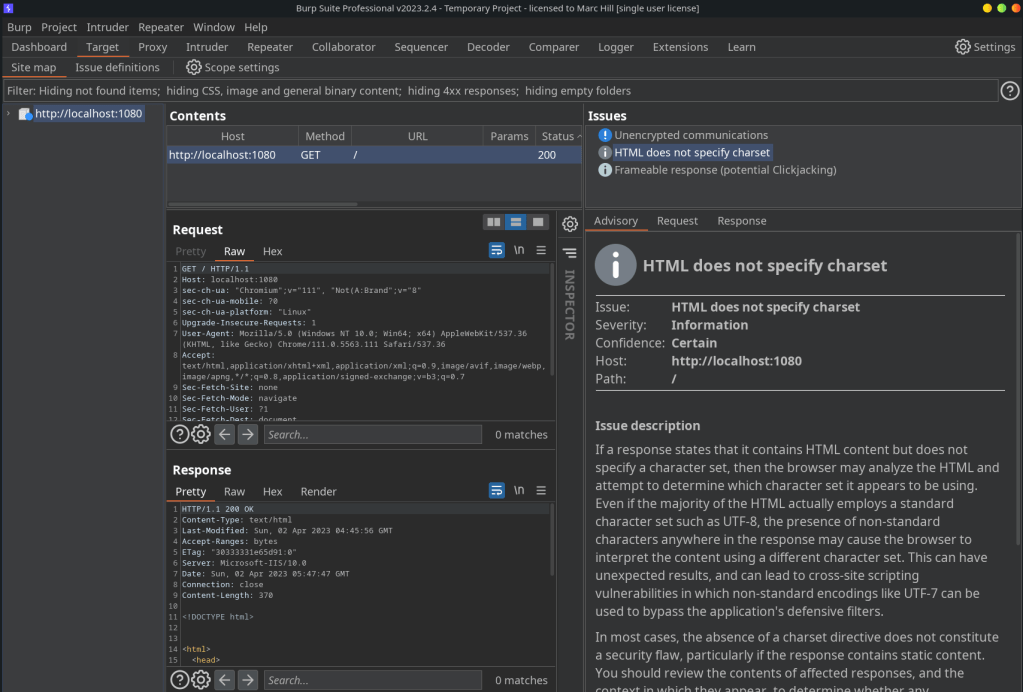
Introduction In this example we are going to use Chisel to access an application or service running on a port on our internal server. Lab Setup & Network Settings Download the Chisel Binaries If you haven’t downloaded and installed the binaries, go to part one in this series: Chisel with a Socks5 proxy and Proxychains…
-

Introduction Pivoting is one of the most fundamental skills a penetration tester needs to learn once they have mastered the basics. Early on in my learning journey I really struggled to understand pivoting because of the bewildering array of options and tools. Too often pivoting tutorials seem to consist of “use this tool and these…
-
Preparation Windows Developer VM There are several Windows executables that need to be downloaded and compiled in Visual Studio. The easiest way to do this is to download and install a Windows Developer VM from here: Kali Kali is necessary for testing your reverse shells. We will run a netcat listener to catch any shells…
-
So you’ve managed to get root on a linux virtual machine, congrats! However this isn’t where the fun stops. From here you can access the files containing the usernames and their hashed passwords. These files are known as the passwd and shadow files. They can be combined into one file using the unshadow tool so…
 BramleySecurityTesting